
01
Upload one photo and choose a template or describe your own costume. Version 1 follows the selected template to make a three-stage, 9-second reveal; Version 2 creates an AI motion video.
One-time credit packs. No subscription.
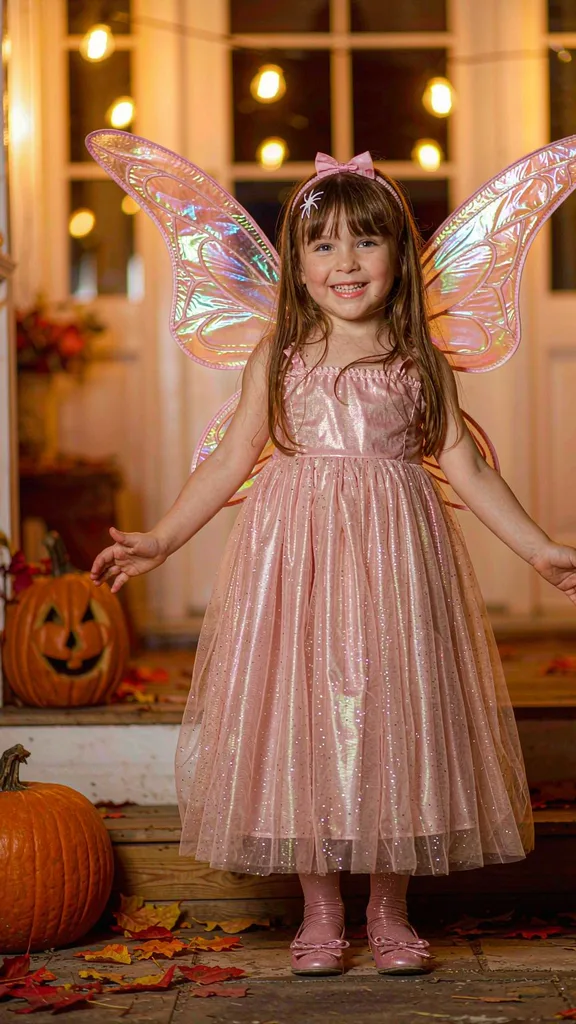
The selected template determines whether to generate three images or two images with a confession transition. Total: 1 credit, 3 seconds per stage.
Sign-in required · Price depends on your selected output · Packs from $4.99
Choose your costume
Start with these 4 guides, or explore 21 Version 1 templates and 10 Version 2 templates.
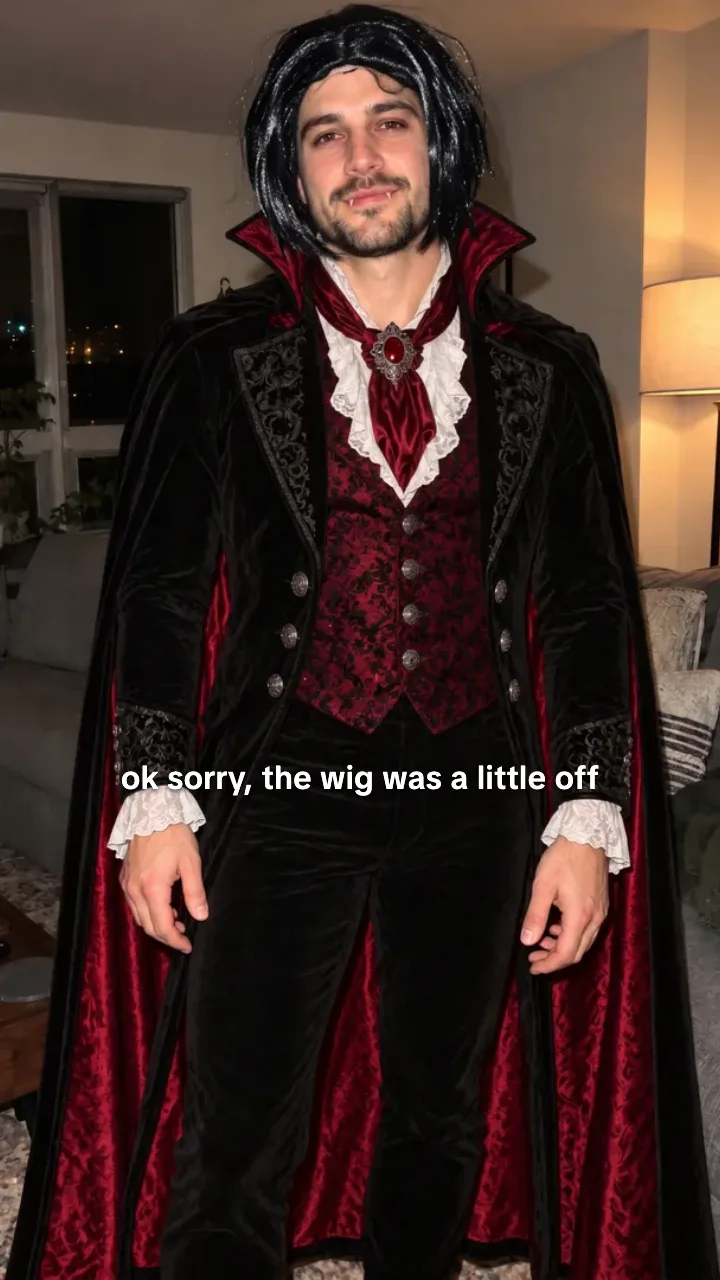
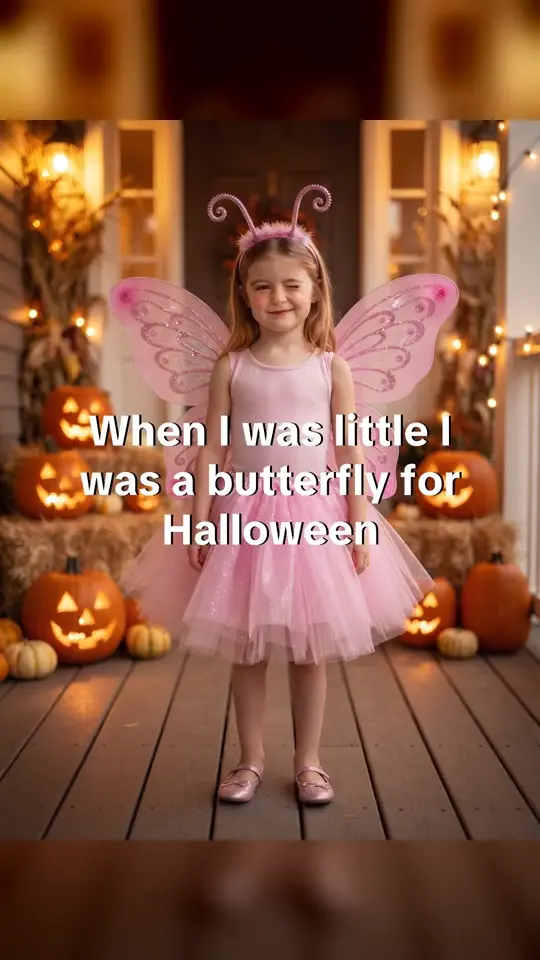
Use this look opens the butterfly template by default; choose a different costume in the maker if you prefer. Make yourself the star of an I'm Sorry I Lied reveal. Start with one real costume photo — the homemade outfit, the wrong colour, the last-minute fix — and this preset asks for a new image that keeps the same face and pose while swapping in the costume they were promised. The finished result is a 3-slide 9:16 video: the dream, the confession and the truth.
Give your pet the lead role in a costume reveal. A dog who was “supposed to be” a lion, a cat who was “supposed to be” a tiger. Each uses one animal photo as its identity reference.
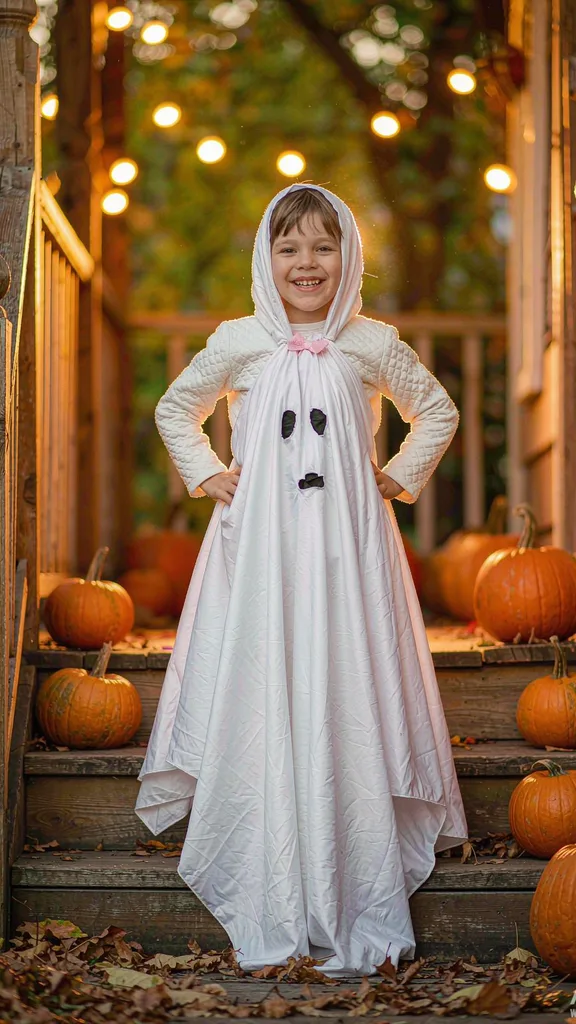
Give each child their own role in one reveal. Use a separate photo per child to build a matching-costume reveal instead of uploading a single group photo.
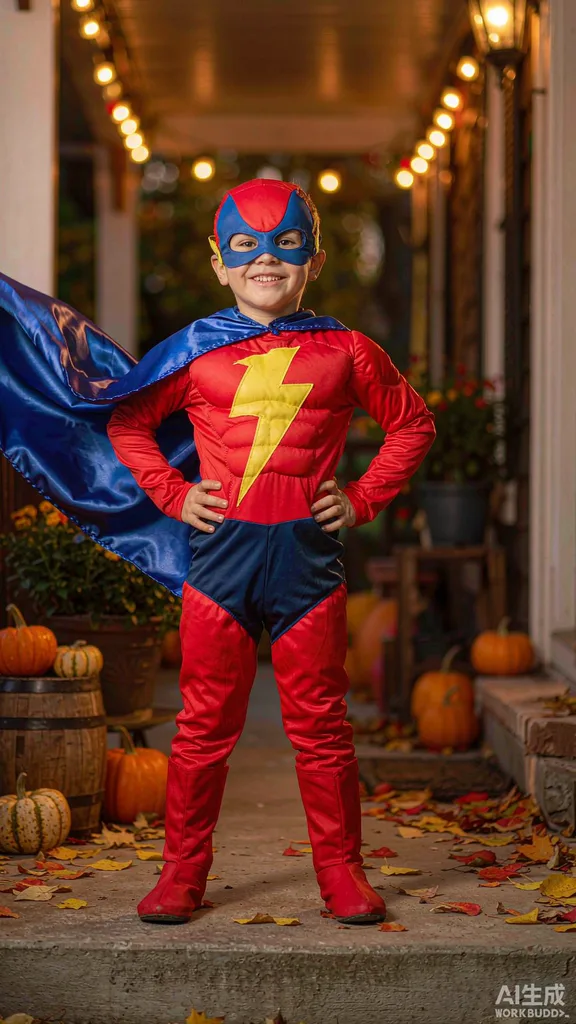
Build a three-stage dream-versus-truth reveal from your photo. Version 1 follows the selected template: a confession uses a text break, while a progressive reveal shows three generated looks. Review the selected preview before submitting.
21 Version 1 templates / 10 Version 2 templates
Choose a costume for an image or a motion style for a video. Add your own photo to make a new result.
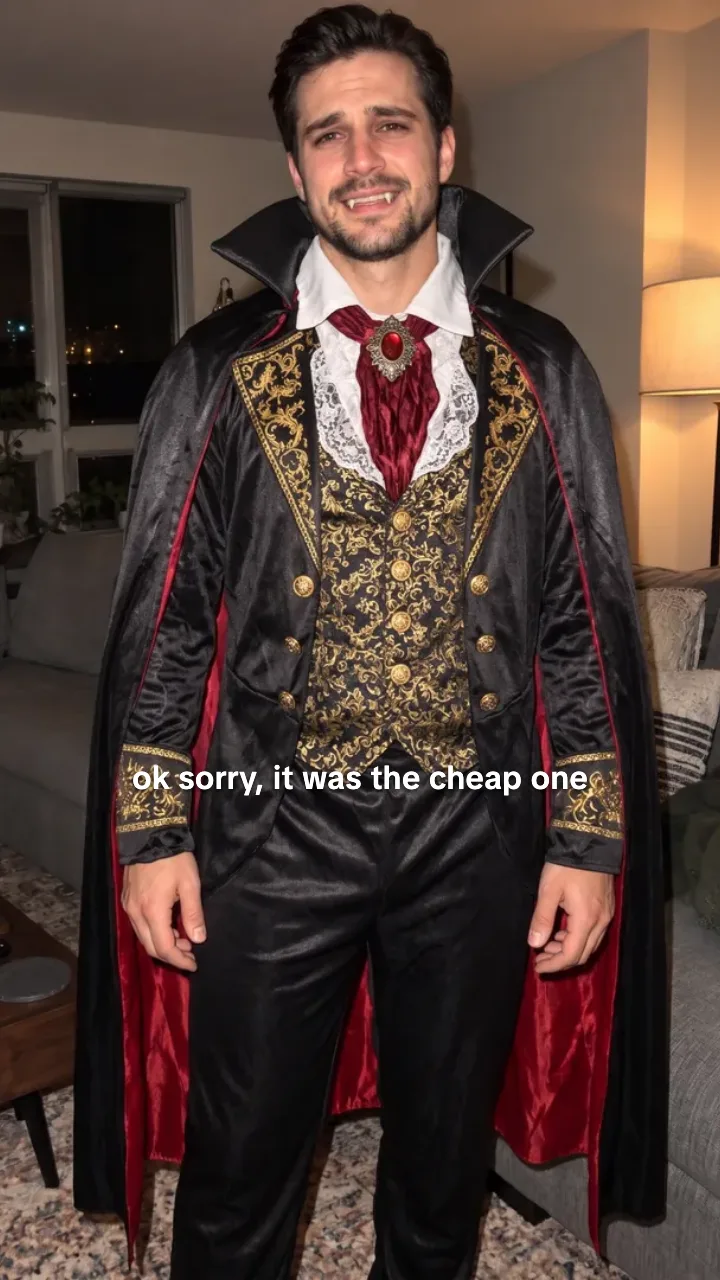
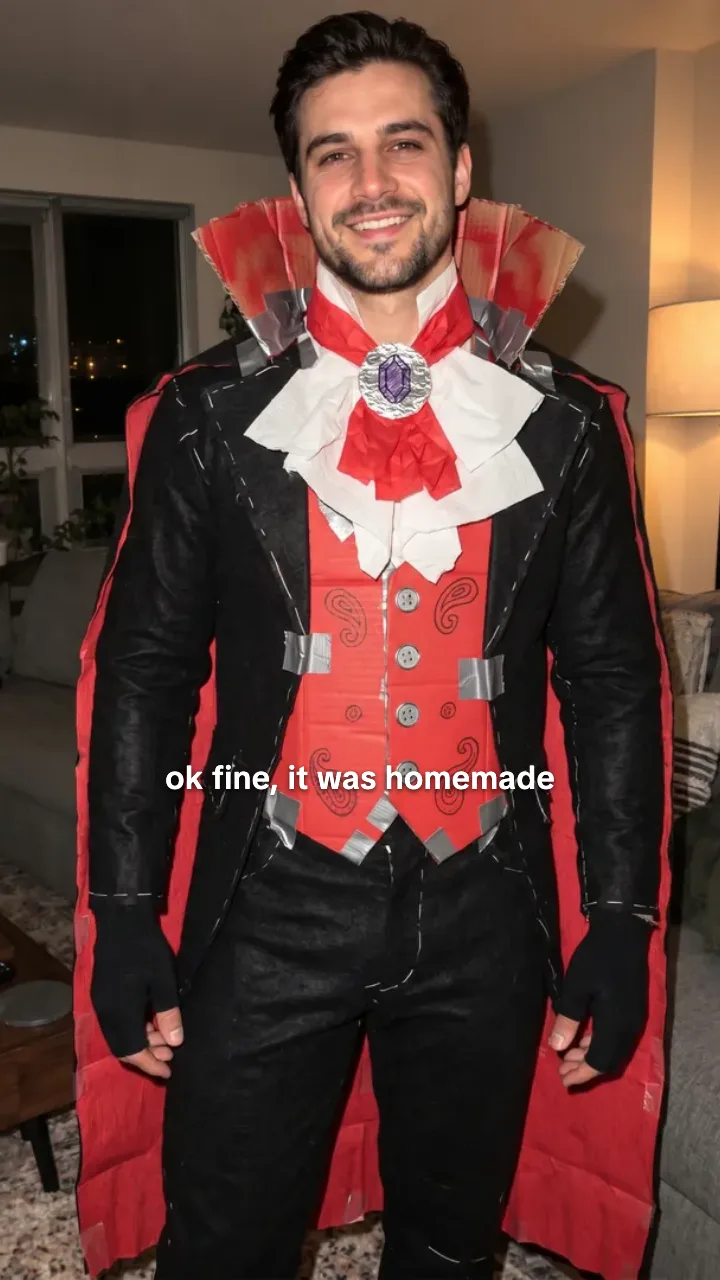
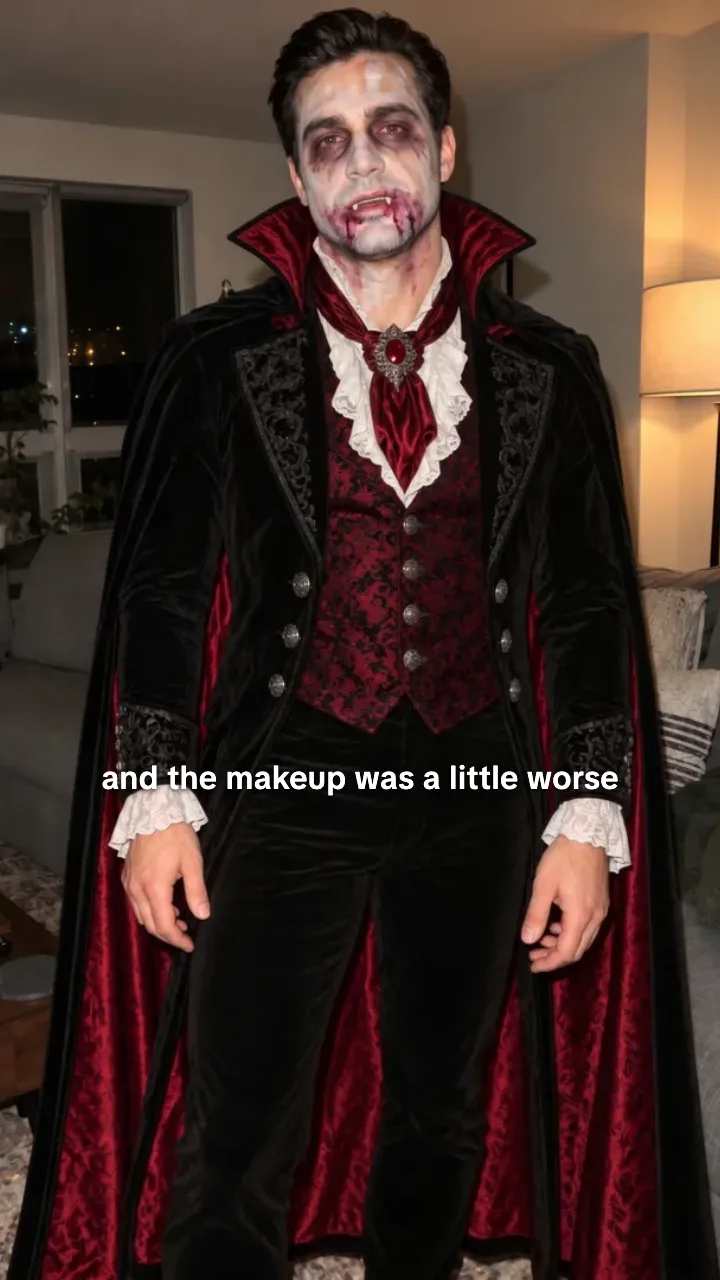
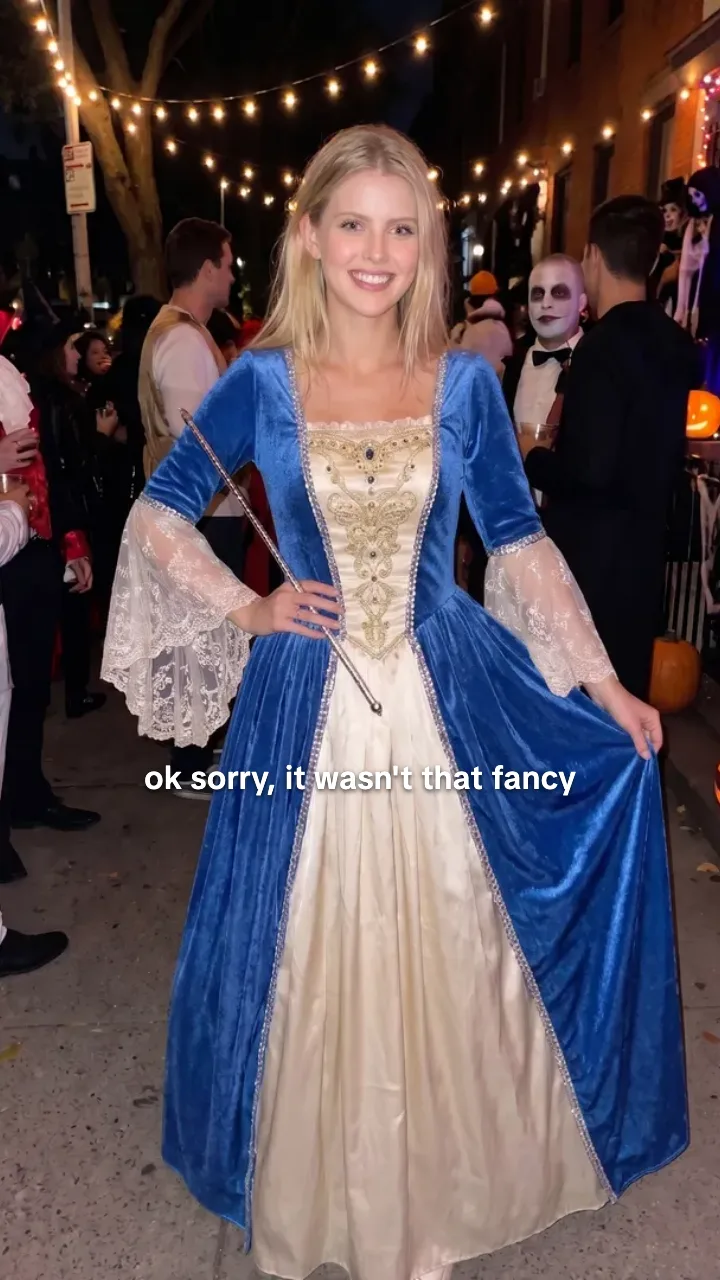
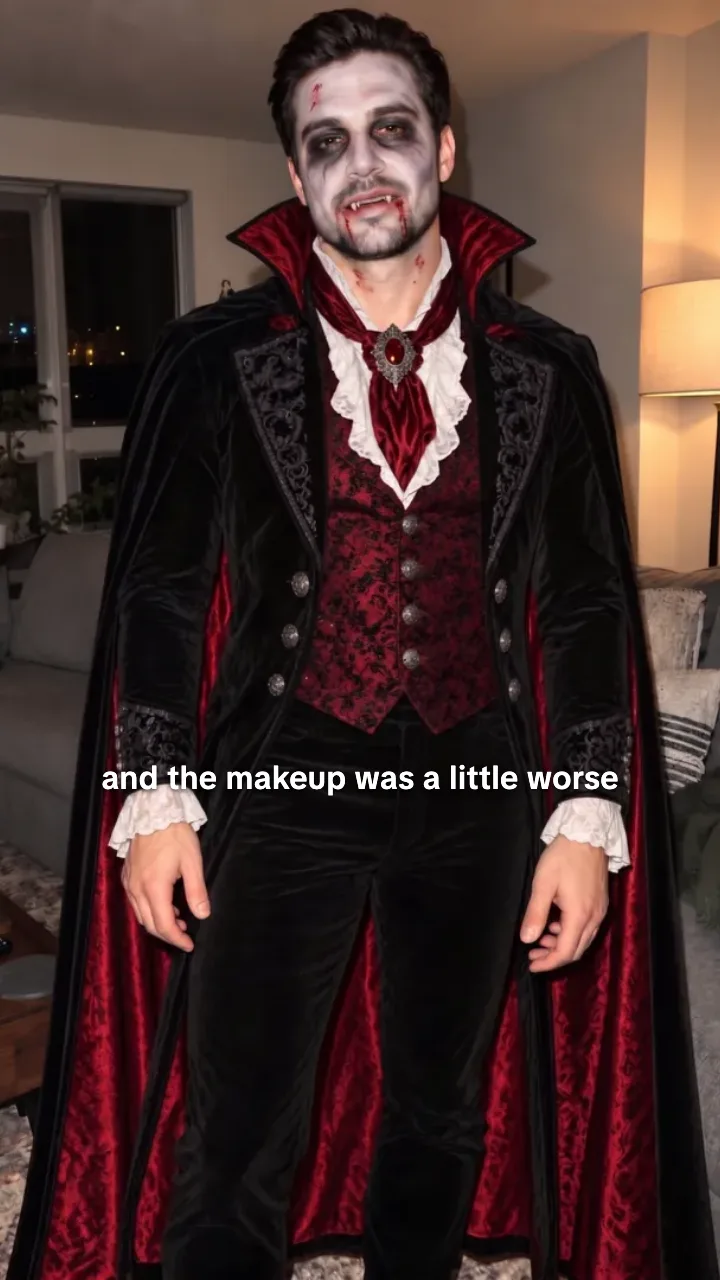
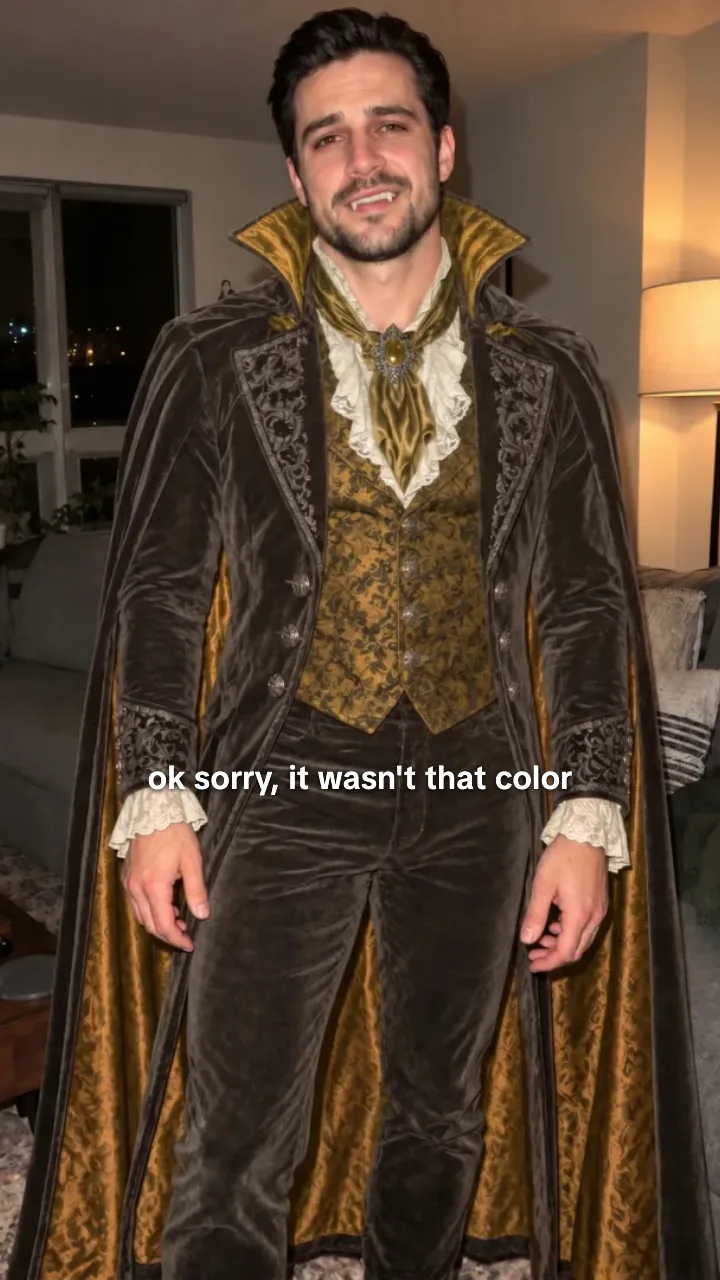
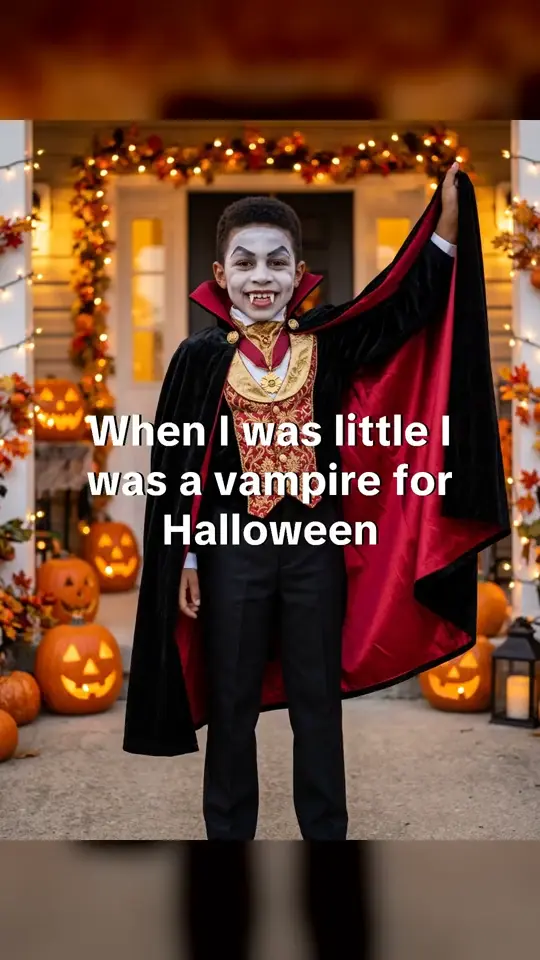
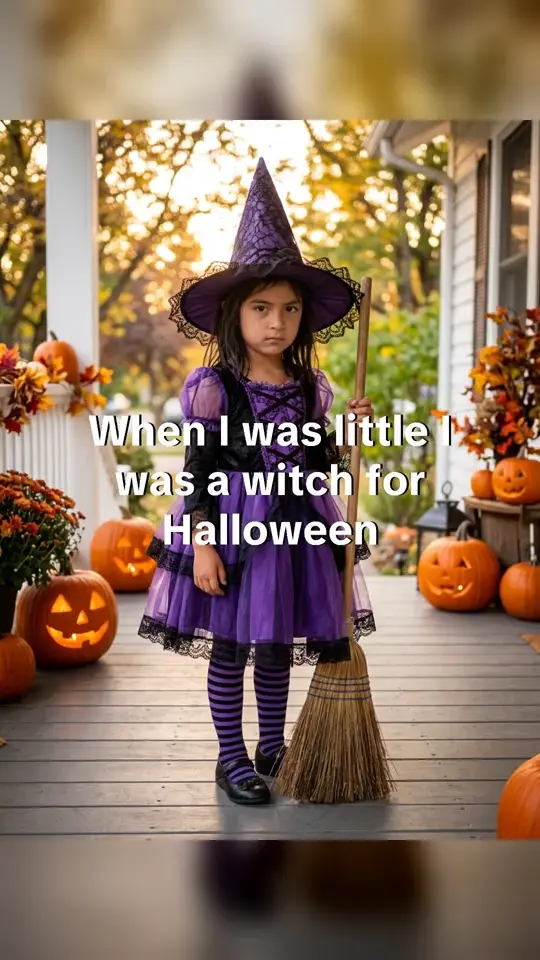
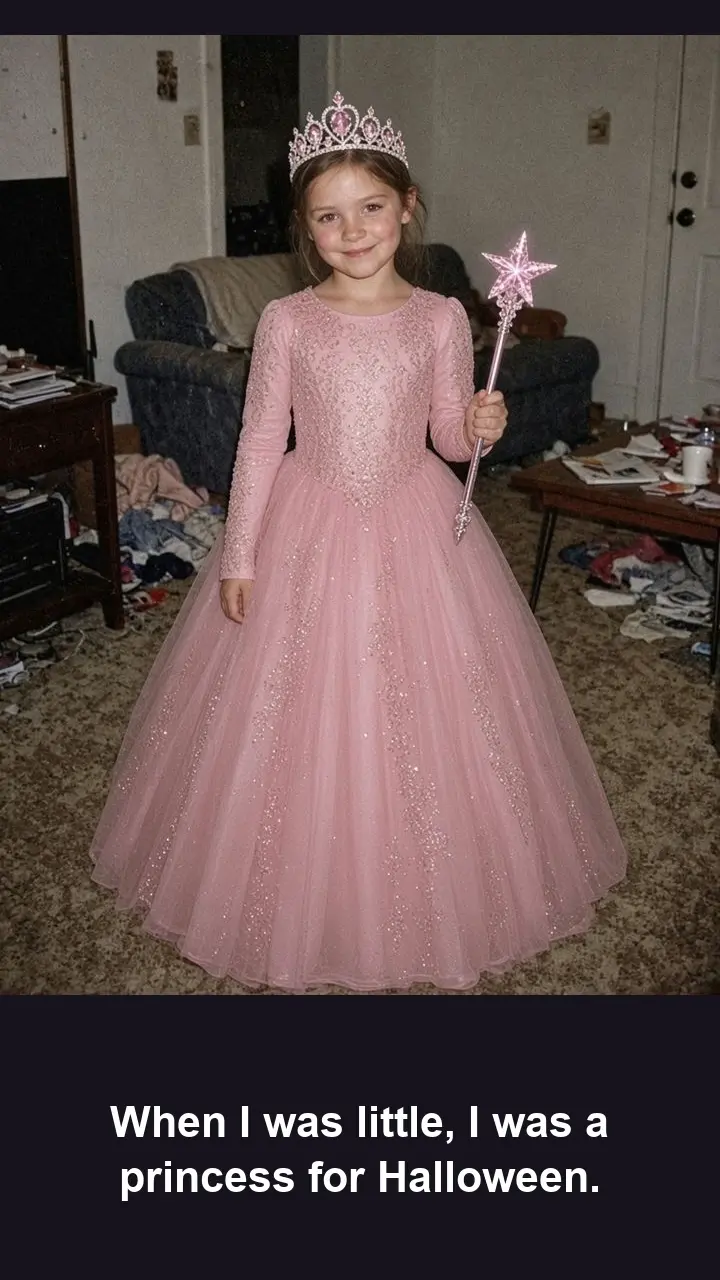
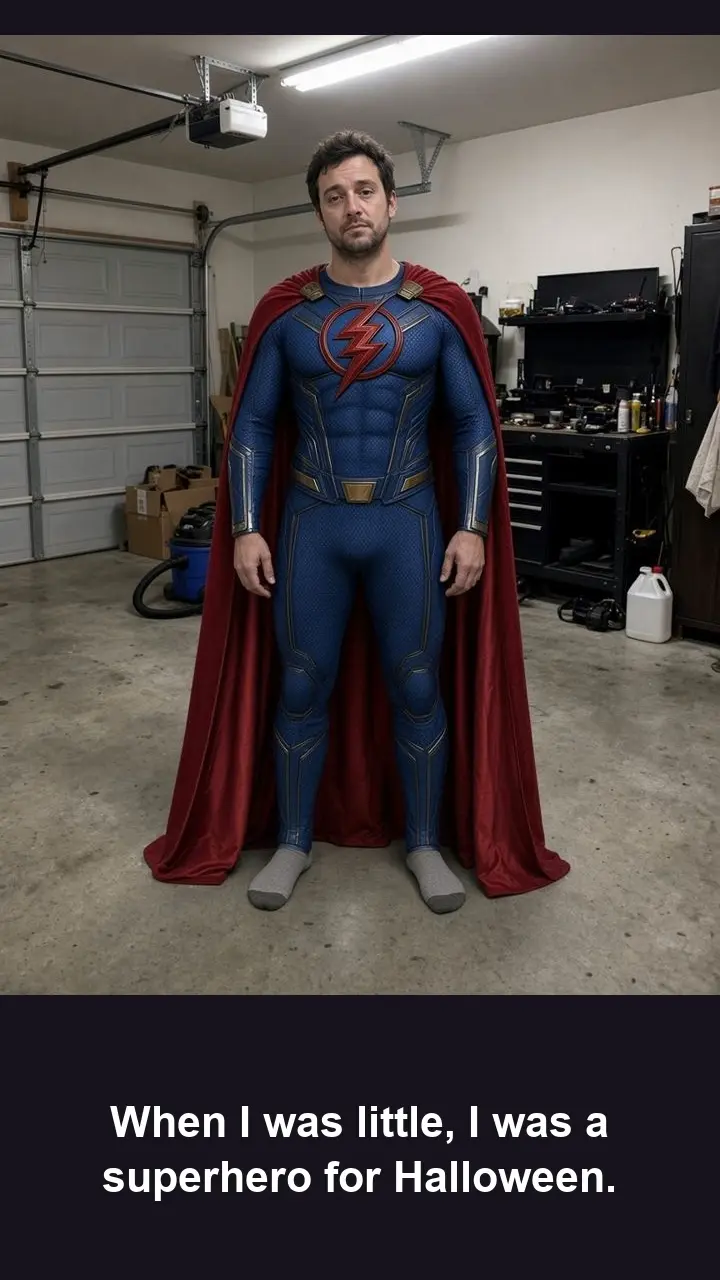
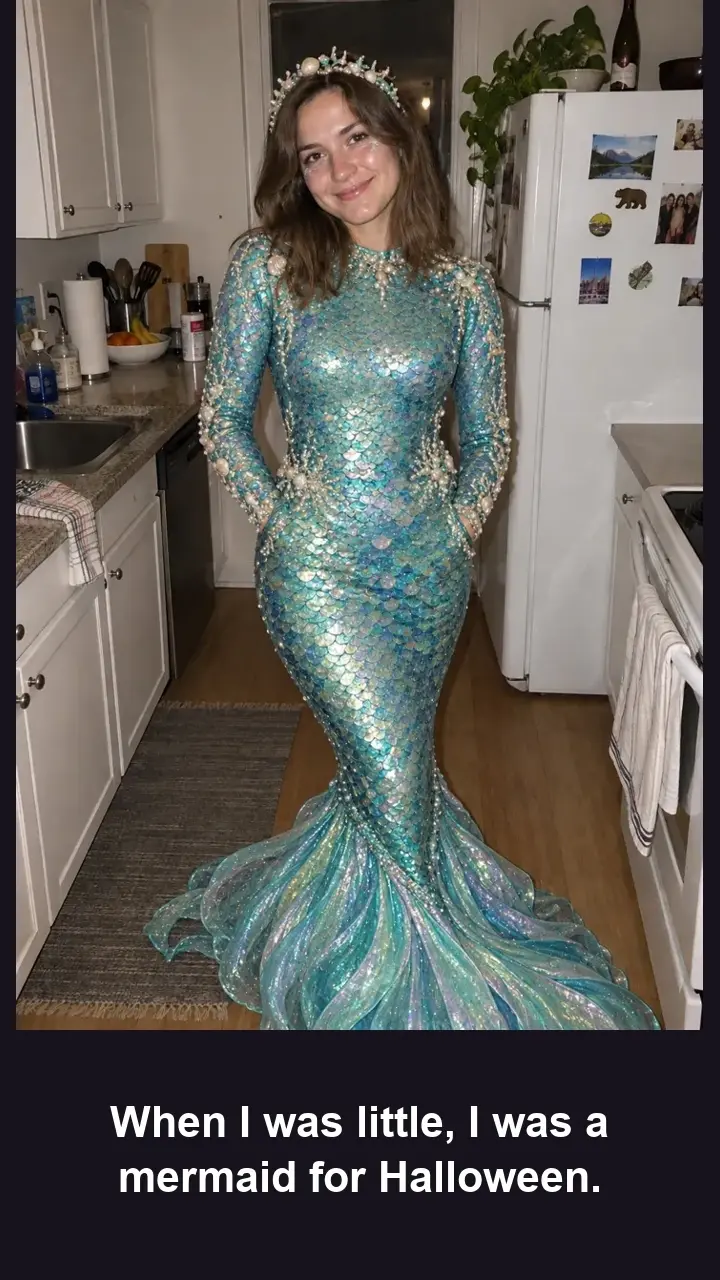
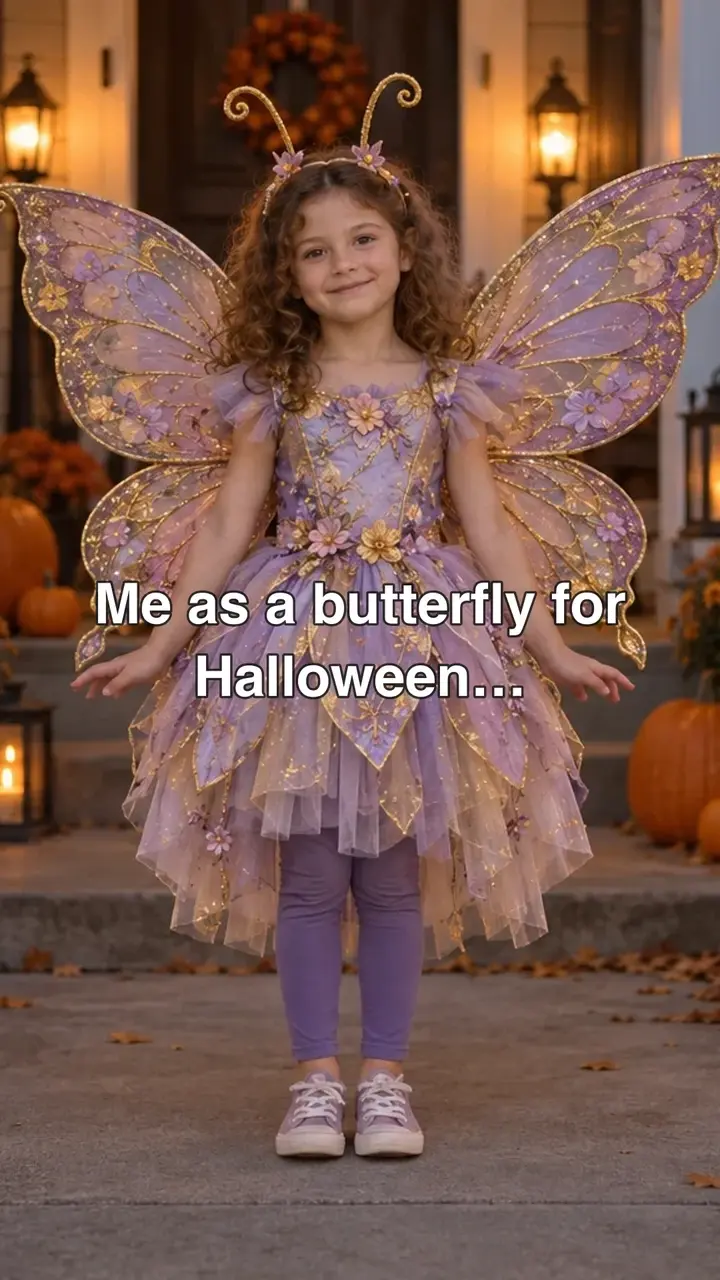
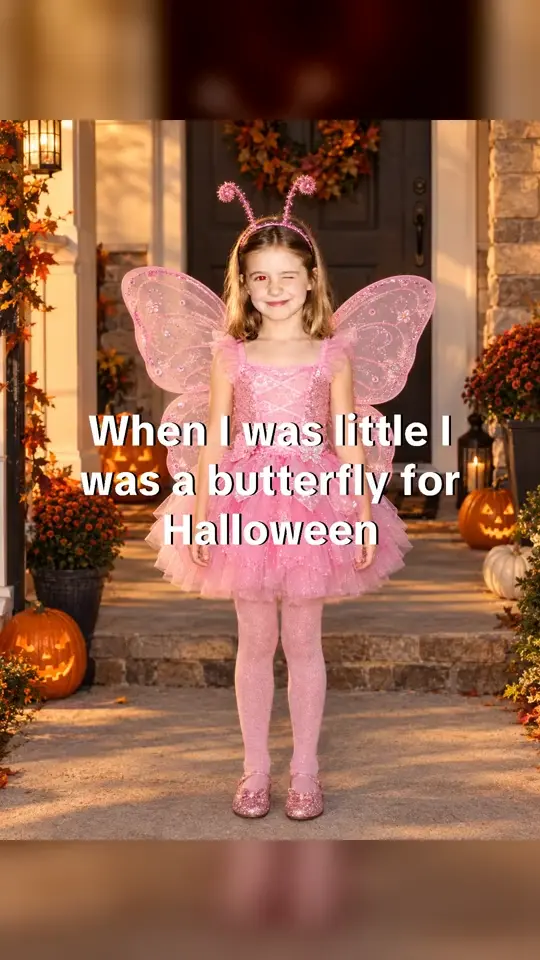

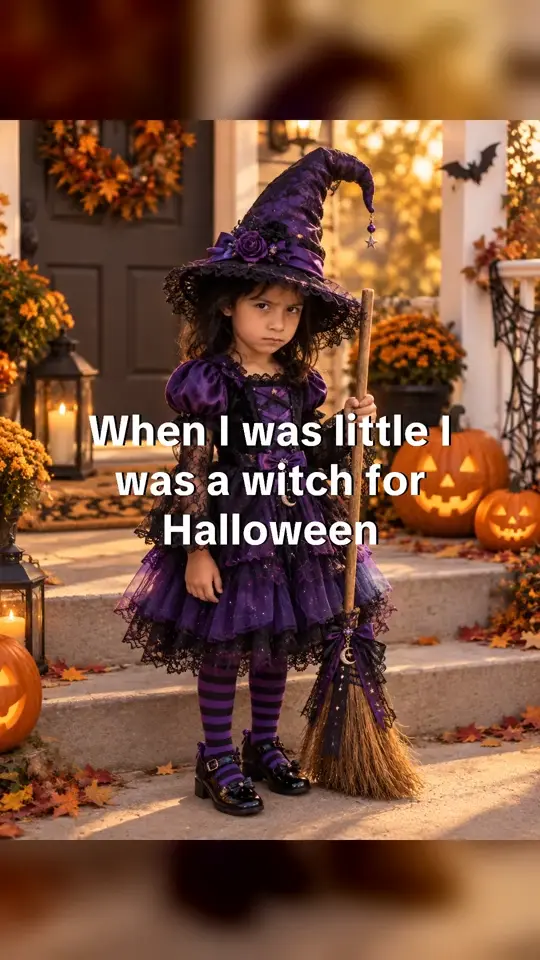
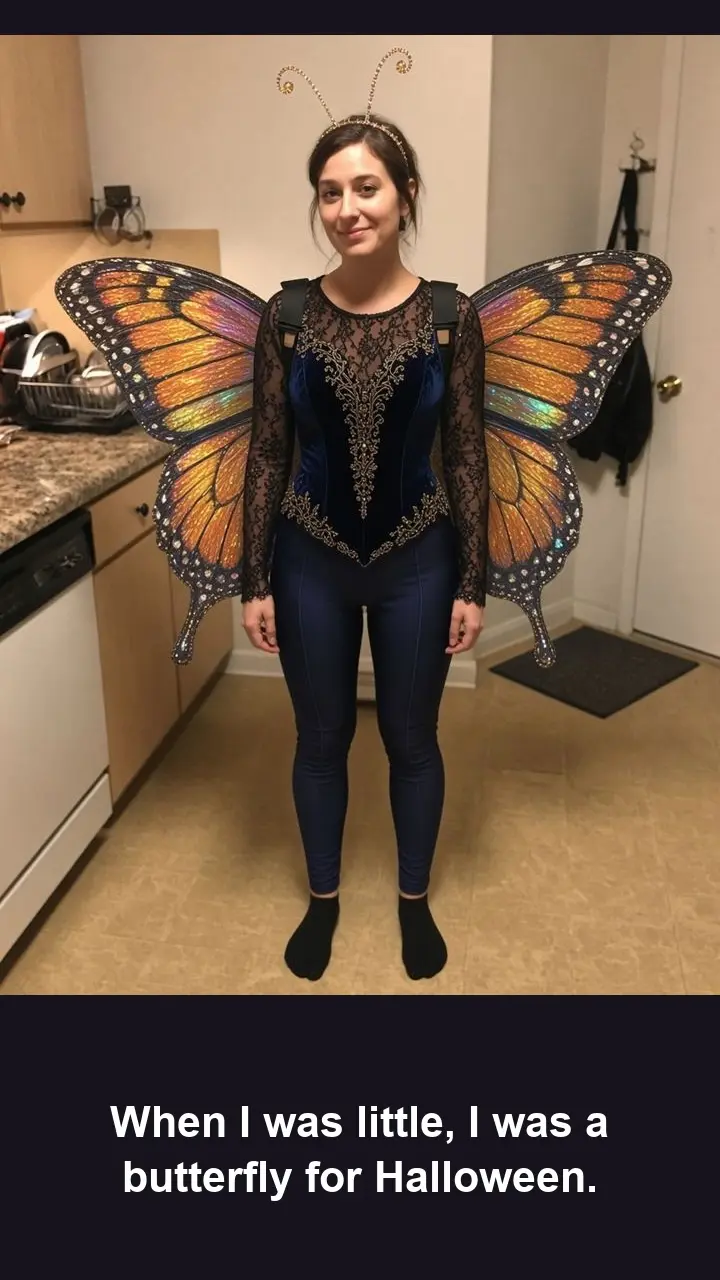
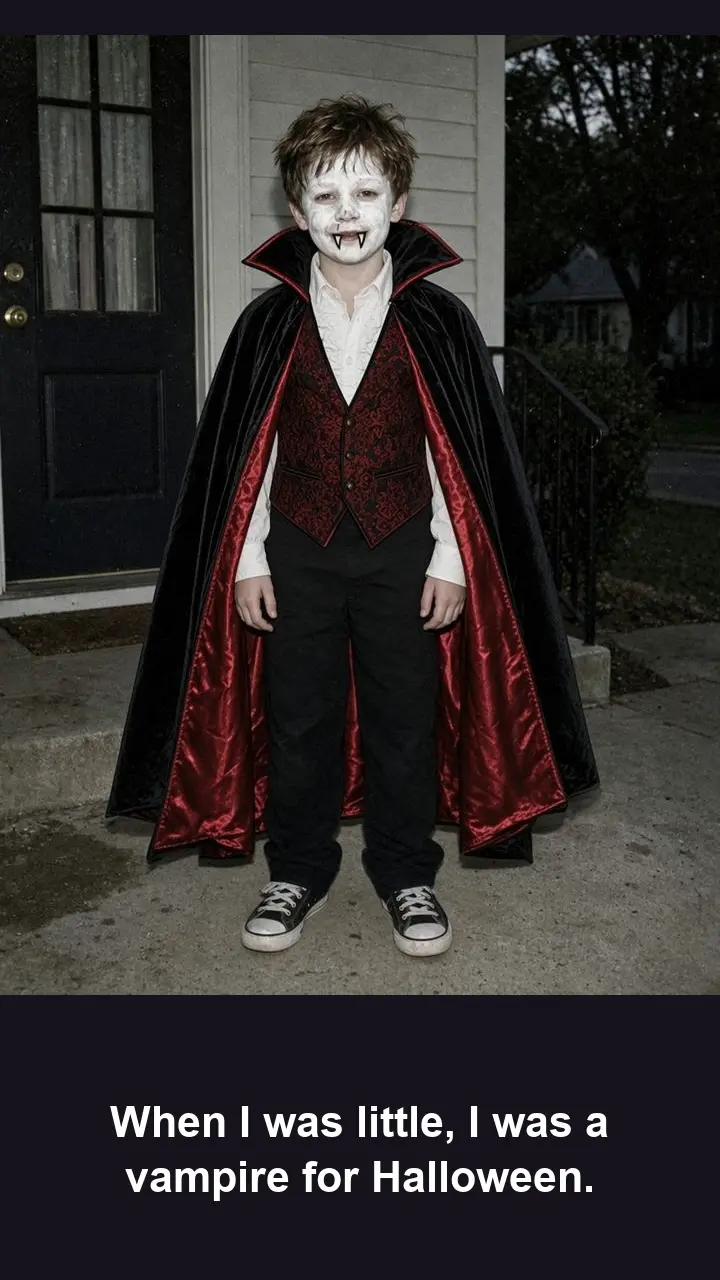
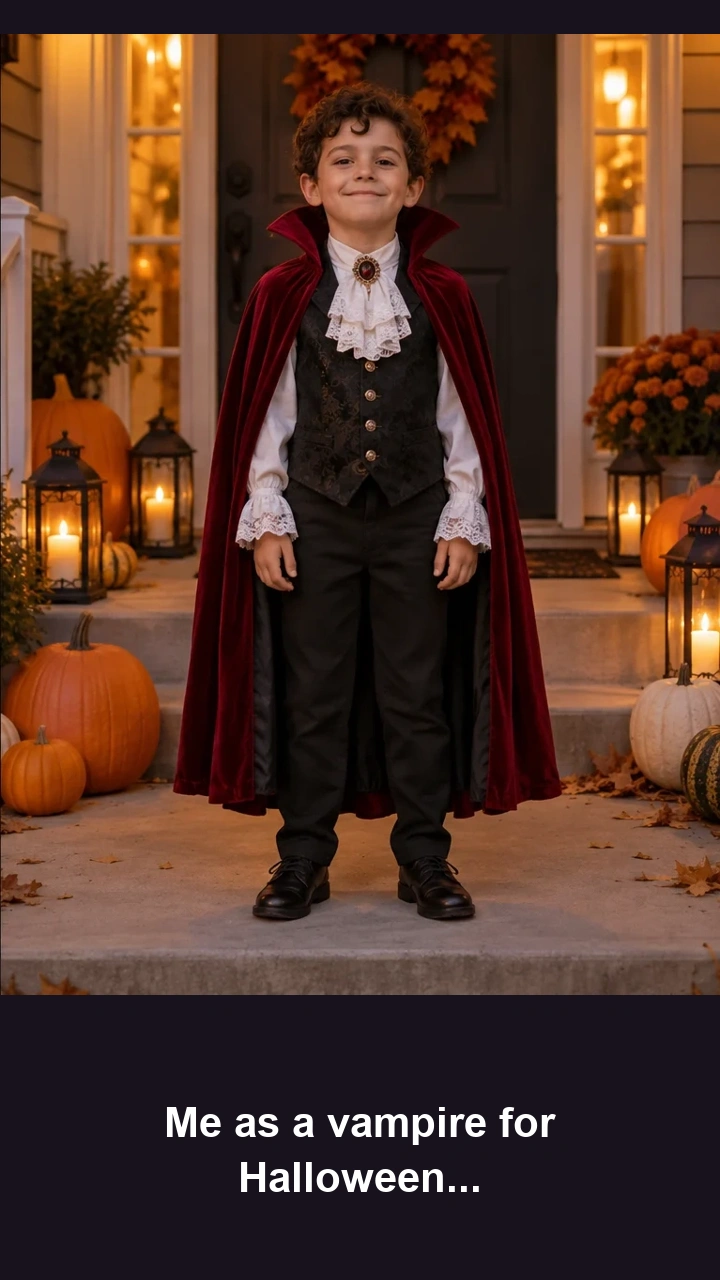

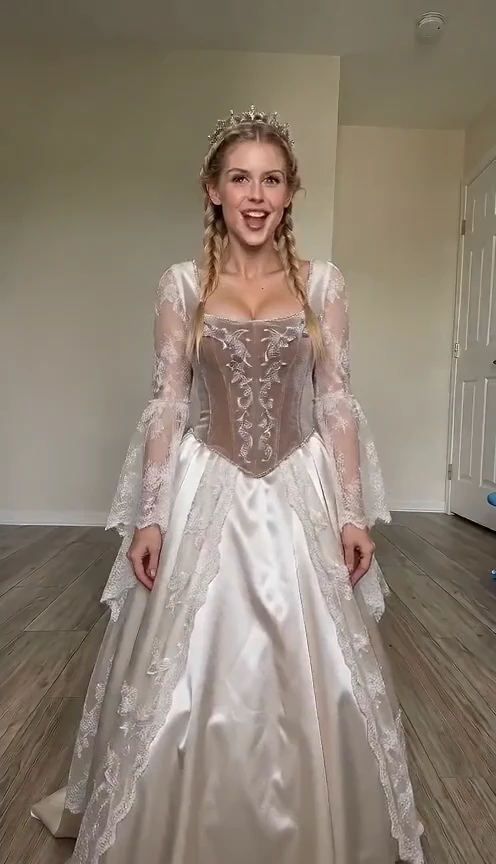
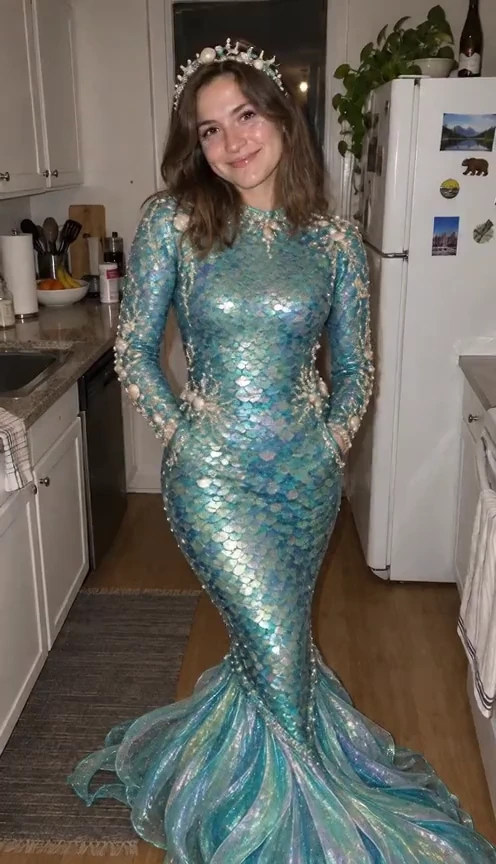

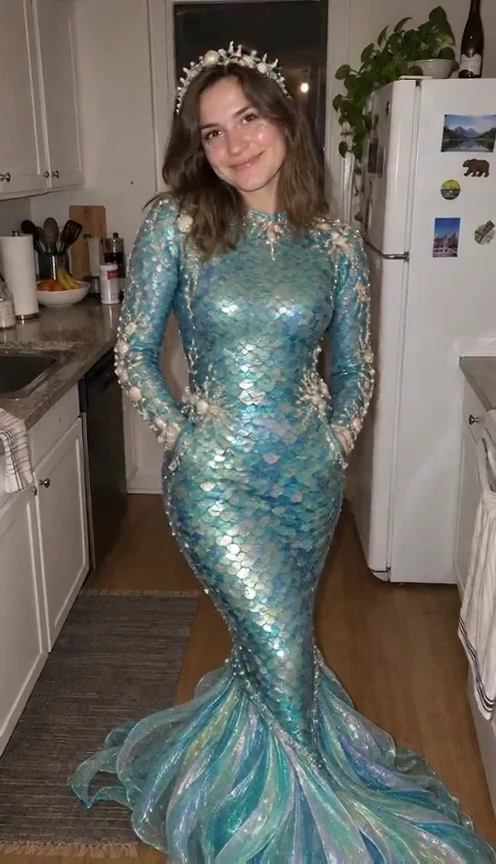
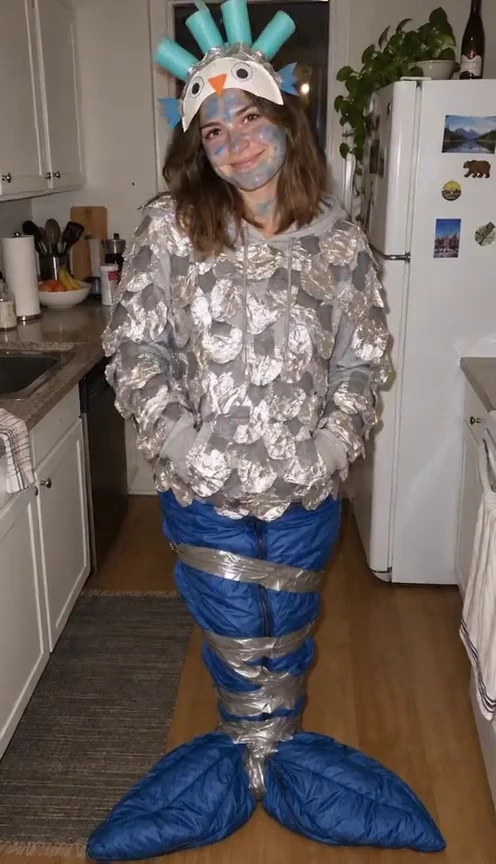
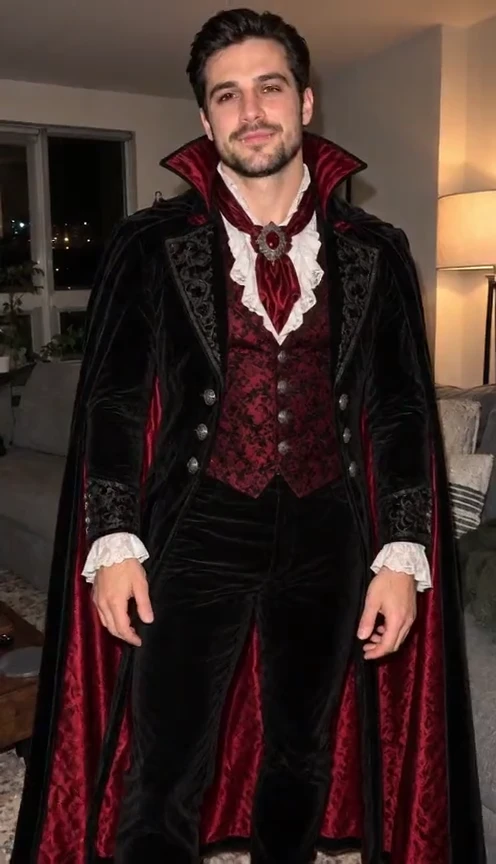
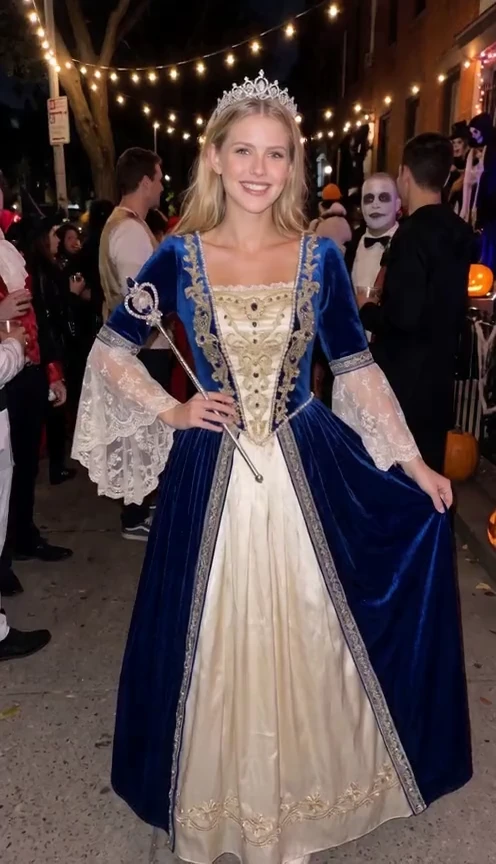
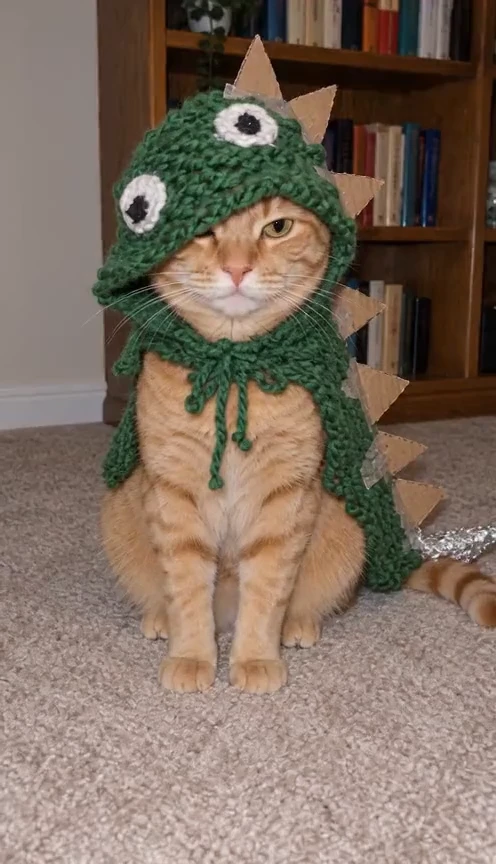
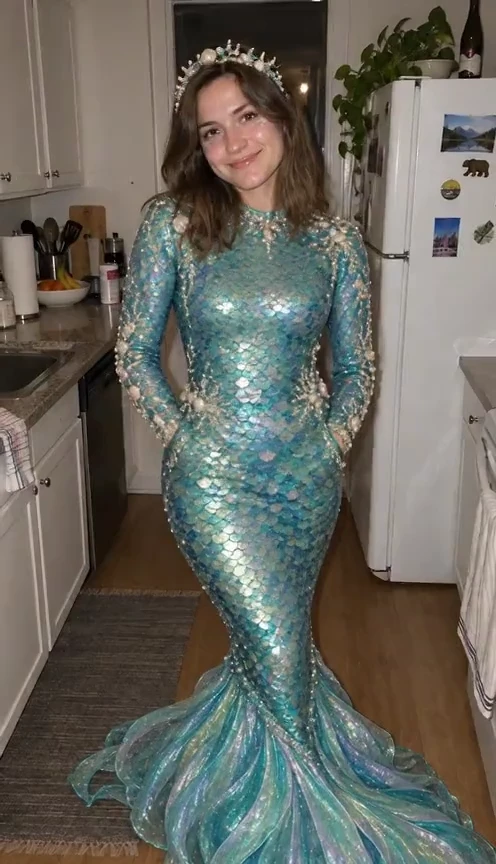
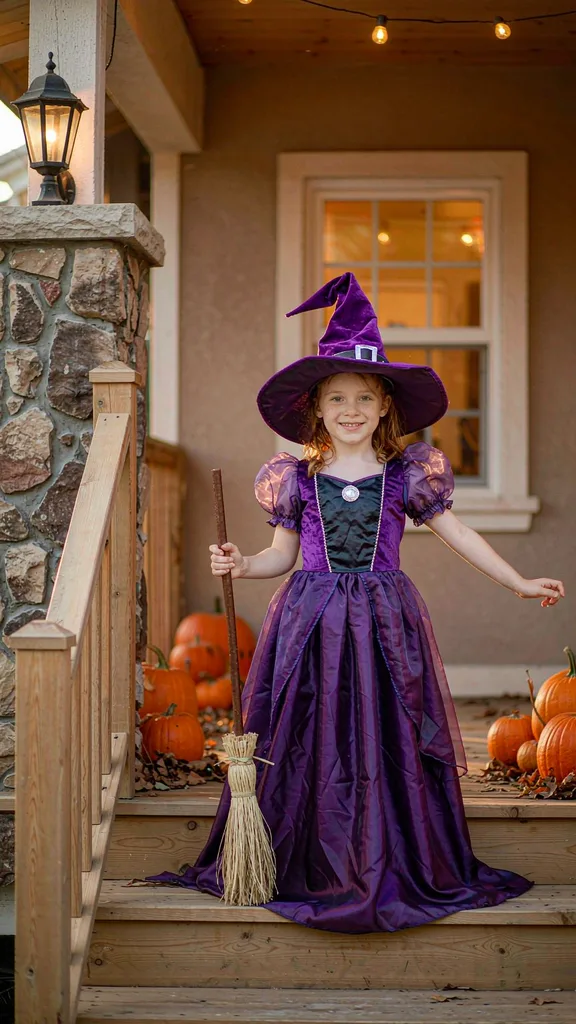
Supplied reference images, not customer results. Each new reveal redraws the costume you were promised from your own photo.
Try it with your photoPreview the templates and choose the costume reveal you want to make. Your photo supplies the identity reference.
Sign in and add one clear photo of yourself as a child, or your own child, in the homemade costume. The siblings look needs a separate photo per child. Press Generate when ready.
Open My videos to review the finished reveal. Download the MP4 and the slides, add your own caption and the trend sound, and label it as an AI creation when you publish.
Ideas
Describe the costume you imagined and the homemade reality. Use the contrast to shape your reveal.
Give each of your kids a matching homemade costume and reveal the polished versions they were promised.
A clear photo of your own dog with visible eyes and markings makes the pet reveal land.
Use a sharp photo of your own cat with clear stripes and a readable face.
Paper wings and the wrong color — the costume that started the whole trend.
Use the siblings look with one photo per child, keeping each face recognizable in its own costume.
Choose a template or describe your costume.
Progressive templates generate three images; confession templates use two images and a blurred text transition. The complete sequence costs 1 credit.
Each stage lasts 3 seconds, giving a 9-second MP4.
AI details can vary between stages.
The format guide explains how this photo-and-prompt flow differs from editing an existing clip.
A clear shot of one kid, head to toe if you have it, is the best start. The costume is the punchline, so make sure it's visible.
The photo guide covers framing, glasses, groups and pets in detail.Skip group shots, heavy filters and anything that hides the face. Only use photos of yourself or your own child.
The free photo-to-video editor offers optional synthesized background music. AI video audio is generated with the clip and may vary. Neither option supplies the trend’s commercial recording.
To use a trend sound, add it through a platform where you have permission to use it. Review your images, captions and audio before posting, and label AI-generated content.
One photo. Three stages.
1 credit makes a complete three-stage image video. AI motion uses credits by length and quality. Buy once; unused credits never expire.
A small pack for your first reveals.
Room to experiment with costumes and motion.
Our lowest price per credit for regular creators.
All templates and custom prompts. Credits never expire. Failed tasks return their charge. Downloading and re-exporting saved images is free.
See credit packsVersion 1 costs 1 credit: three generated images for progressive templates, or two images with a confession card for confession templates. Version 2 motion videos cost 7 or 10 credits at 720p, and 15 or 22 at 1080p, for 10 or 15 seconds respectively. See pricing. Failed tasks return their charge.
Photo mode returns individual AI images, including separate images for stories and comparisons. AI video mode returns a 5-, 10- or 15-second clip. The free photo editor exports your 2–8 photos as an MP4 with captions and optional synthesized music. See the creation guide.
The trend works best with a person, but a clear pet photo can be fun too — a dog who was “supposed to be” a lion. Keep the face and markings readable and read the photo guide first.
You may upload a childhood photo of yourself, or a photo of your own child if you are their parent or guardian. Do not upload photos of other people’s children. The photo guide covers consent and suitable portraits.
Use your own photo — including a childhood photo of yourself — or a photo of your own child. Do not upload celebrities or public figures, or anyone else without permission. Try the siblings look with your own children, and check About for the service scope.
No. I'm Sorry I Lied is independently operated and has no affiliation with TikTok, CapCut or any creator of the trend. See About for the scope of this service.
After all AI requests are accepted, find their results in My creations; each story image is a separate task. Keep the page open while exporting a free local slideshow. The creation walkthrough explains the options.
Generate each child’s costume photo separately, then arrange the saved results in the free photo-to-video editor. Use only photos of your own children. Read the photo checklist for lighting and framing tips.
Review every image and the full video, check captions and audio, confirm consent to share, and label AI-generated content. Follow our terms and the platform’s rules. Find reveal ideas in the ideas guide.
No. Each costume is generated anew from your photo and a written costume prompt. Likeness, lighting and details can vary. Read the format guide or compare the dream-versus-truth look.
Pick a costume, add your photo and make the reveal.
Start with your photos