
Costume look
Make an I'm Sorry I Lied reveal with your kids
Give each child their own role in one reveal. Use a separate photo per child to build a matching-costume reveal instead of uploading a single group photo.
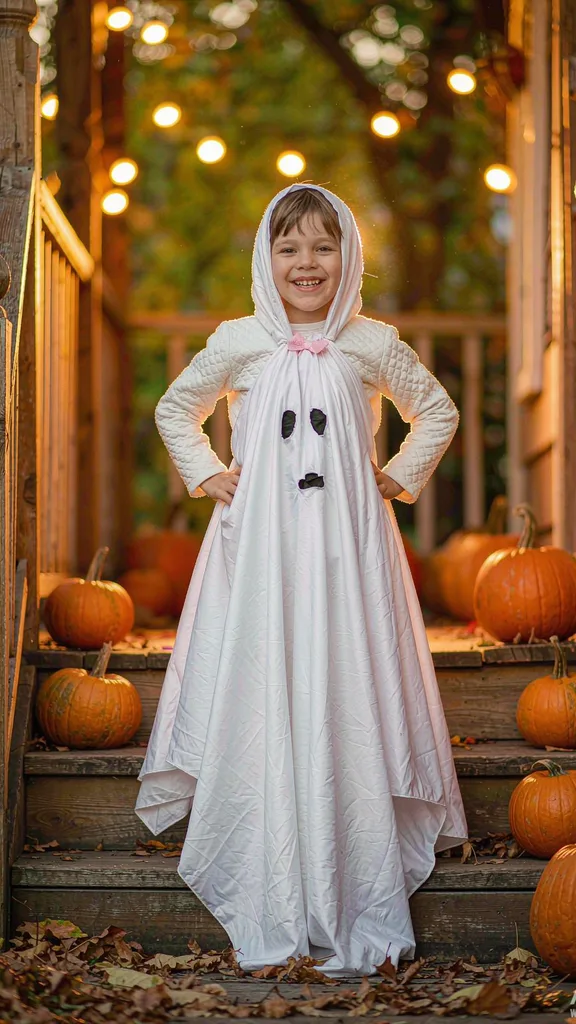
The look
Two children in matching homemade costumes become the polished versions they were promised. Each photo keeps its own child recognisable, and the AI redraws only the costumes.
Prepare your photo
Use one clear photo per child. Keep the faces unobstructed and the homemade costumes visible. Get permission from everyone pictured, and only use your own children.
Use this lookVersion 1: 1 credit per story. 15 credits for $4.99. View pricing
Siblings in matching costumes
The siblings look works with two clear childhood photos, one per child. Matching homemade costumes become the polished versions they were promised. Keep each portrait assigned to its own slot, and use photos of your own children with permission.
A pair in daylight
The pair look uses two childhood photos in a daylight setting. Both costumes are redrawn to match. Use two clear faces; the AI keeps each child recognisable.
How to make your reveal
- Pick the siblings look and add the first photo.
- Add a second photo for the other child.
- Generate the reveal for one credit and check both faces before sharing.
Questions about this look
Does a two-kid reveal cost two credits?
No. This template uses one credit per generation, including the second photo. Compare packs.
Will both kids stay recognizable?
The prompt assigns each photo to a distinct child, but identity can vary. Use clear separate photos and review the result. Read the photo guide.
Where can I find single-kid reveals?
The maker includes single-kid costume looks. Those need one photo. Find ideas in the costume guide.